
Buttons - Library Buttons
| You learned how to create a button in the previous exercise. Flash, however, comes with a Common Library of buttons. You can use these (although some folks think that they are pretty naff). |
| Step 1 - Open your Common Library for Buttons |  |
Step 2 - Look at all the different folders! Pick one and open it... again there are many different kinds of buttons in the folder. Click on Scene 1 And drag a button onto the Stage. Open your own Library and look... you should see the button in your own Library. |
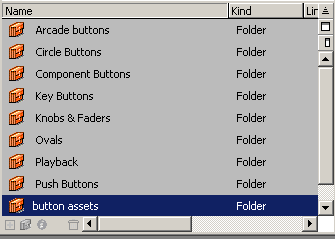 |
Step 3 - Control > Enable Simple Buttons Check out your button. Some Common Library Buttons have Up,
Over, Down, states and some only have You can, of course, add text and a hit area just as you did in the previous lesson. |
Home
Page | Dreamweaver/Fireworks Introduction
| Flash Interface | Flash
Tools | Animation | Tweening
| Symbols/Instances | Buttons
| Sounds
Rollover
Buttons | Buttons with Text | Library
Buttons | Buttons/Sound | Interactions