
Gradients
Flash MX has two types of gradient fills: linear and radial.
Step 1 - Create two shapes to use in this tutorial. Do not obsess over this. Create two simple shapes.
Step 6 - Continue to experiement with the gradients. You can mix different colors. |
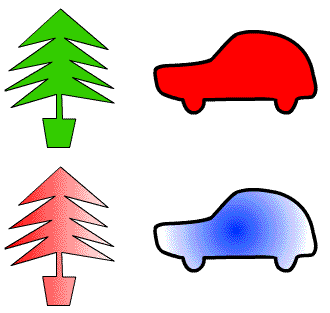 |
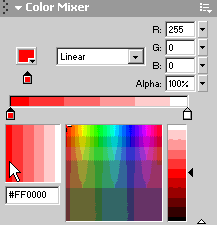
Homepage
| Dreamweaver/Fireworks Intro | Flash
Interface | Flash Tools | Animation
| Tweening | Symbols/Instances
| Buttons | Sounds
Tools | Pencil
| Lines | Oval/Rectange
| Brush | Strokes/Fills
| Multiple Objects | Grouping
| Gradients | Pen |
Paths